For every business that runs on enquiries and quotes
Every enquiry sorted, scored and sent to your CRM.
Leadveyor reads every message from your inbox, website, ads and chats. It throws out spam, joins repeat messages, fills in the details and tells your team who to call first, and why.


Incoming enquiries
from every channel
Sarah ChenEmail
Hi! Wedding on 14 March, about 120 guests, budget around $15k…
Tom RileyFacebook ad
How much for a 30th birthday? Maybe 40 people.
GrowthSEO AgencyEmail
We can get your website to page 1 of Google!!
Sarah ChenWebsite form
Forgot to add my number: 0412 555 019
Mia PatelTelegram
Do you do small office lunches? About 10 people.
Reading & scoring
Your CRM
best leads first
Sends clean, scored leads to the tools you already use
- HubSpot
- Zoho CRM
- Google Sheets
- Airtable
- Notion
- Zapier
- Make
- n8n
- + any CRM
Sound familiar?
Your team spends hours sorting enquiries instead of winning them.
Real customers buried in spam
Sales pitches, job applications and bots land in the same inbox as people ready to buy. Someone has to dig through it every morning.
The best lead waits in line
A big wedding and a “how much is it?” look the same at a glance, so the most valuable enquiry gets answered last.
Details all over the place
Date in the email, phone in the form, budget in a follow-up. Your team pieces it together and types it into the CRM by hand.
Leadveyor fixes all three before your team opens the CRM.
How it works
From message to phone call, in five steps.
You don’t change how customers reach you. Leadveyor quietly does the sorting your team does by hand today, in seconds, every time.
One queue for every enquiry
Forward your inbox, add a link to your form. Nothing gets lost, even if something breaks.
How it works with your CRM
Your team keeps its CRM. The leads just arrive ready.
Today someone reads each email, works out who it is and types it into the CRM. Leadveyor does that part for you, so every new deal already has the details, a score and a reason.
Before: what lands in your inbox
Sarah · Quote request
Hi there, we’re getting married on 14 March in Bowral and would love a quote for about 120 guests. Budget is around $15k. Thanks!
Sarah Chen · Re: Quote request
Sorry, forgot my number: 0412 555 019
GrowthSEO · Page 1 of Google, guaranteed!!
Hi, we noticed your website could rank higher. Reply YES for a free audit…
Spam mixed in, details split over two emails, no score. Someone types it all in.
After: what your team sees in the CRM
Sarah Chen: wedding, 120 guests
Call first. Big wedding, good budget, date in 4 months.
- Name
- Sarah Chen
- Phone
- 0412 555 019
- Event
- Wedding
- Date
- 14 Mar 2027
- Guests
- 120
- Venue
- Bowral, NSW
- Budget
- $15,000
- Source
- Website form
Filled in by Leadveyor. Spam removed, both emails joined into one deal.



The full system
Leadveyor + Booper CRM + Routizer: from first email to delivered.
Three tools that pass the job along by themselves. Nobody copies details from one screen to another, and nothing gets lost between sales and delivery.
- @
1. The enquiry
A customer gets in touch
By email, web form, ad or chat. Nobody has to be watching.
New emailWedding quote, 120 guests
Hi, we’re getting married on 14 March in Bowral, budget around $15k…
2. Leadveyor
Sorted and scored
Spam out, details in, a score out of 100 and the reason for it.
92Sarah Chen
Wedding · 120 guests
+30 wedding+25 guests2 spam removed- B
3. Booper CRM
Quoted, sold and paid
Your team calls, sends the quote, turns it into an order, invoices and gets paid.
Sarah Chen · Wedding
Confirmed- Canapés × 120$3,600
- Main buffet × 120$8,400
- Staff, 4 × 6 h$2,800
Quote
$14,800
Order
S-1042
Invoice
Paid
- R
4. Routizer
Delivered on time
The order becomes a delivery, lands on a route and the driver gets a signature.
3DoneStop 3 · Bowral
11:30 · Ben
And back again: when a job is won or lost in the CRM, Leadveyor finds out and scores the next enquiries even better.

Tested on 340 real enquiries.
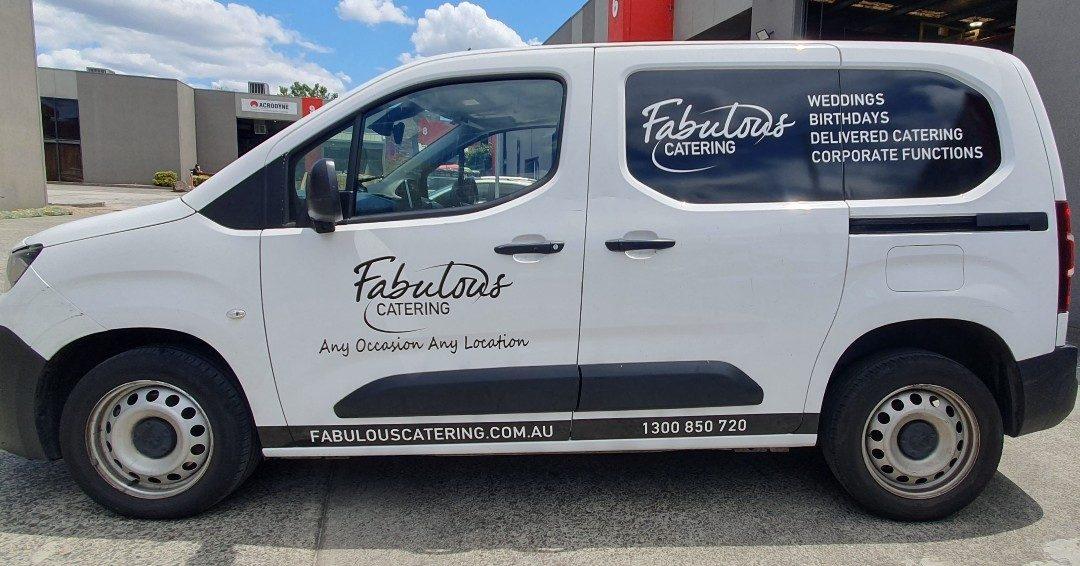
Fabulous Catering, an events caterer in Australia, gets enquiries every day from email, its website and ads. We ran Leadveyor on 340 of them, the same messages their team had already handled by hand, and checked every answer.
Read their full story- real customers mistaken for junk
- 0
- real customers mistaken for junk
- of phone numbers and emails found
- ~100%
- of phone numbers and emails found
- of event dates read correctly
- 98%
- of event dates read correctly
- per enquiry, ready in 6–10 seconds
- ~1¢
- per enquiry, ready in 6–10 seconds
FAQ
Questions, answered simply.
- Do I have to change my CRM?
- No. Leadveyor works in front of the CRM you already use. Your team keeps working where they work today, just with better leads.
- Do I need a developer?
- No. Forward your inbox, add a link to your website form and connect your CRM through Zapier, Make or n8n. If you have one, they can use the API or our TypeScript SDK.
- How does it know what a good lead is for me?
- You tell it. Pick what matters, like job size, date or location, and how many points each is worth. Test it on real enquiries before it goes live.
- Will it throw away real customers?
- In our test on 340 real enquiries, not one real customer was marked as junk. Anything set aside is kept with the reason, so you can check it any time.
- Will it create duplicates in my CRM?
- No. Before adding a lead it looks for the customer by email and phone. If they’re already there, the new message goes onto their existing record.
- Can it fill in my own custom fields?
- Yes. At setup you choose which detail goes into which field, including fields you made yourself, like “Function date” or “Number of guests”.
Stop sorting. Start calling the right people first.
Free while in beta. We’re letting businesses in a few at a time and we’ll help you set up your first rules.